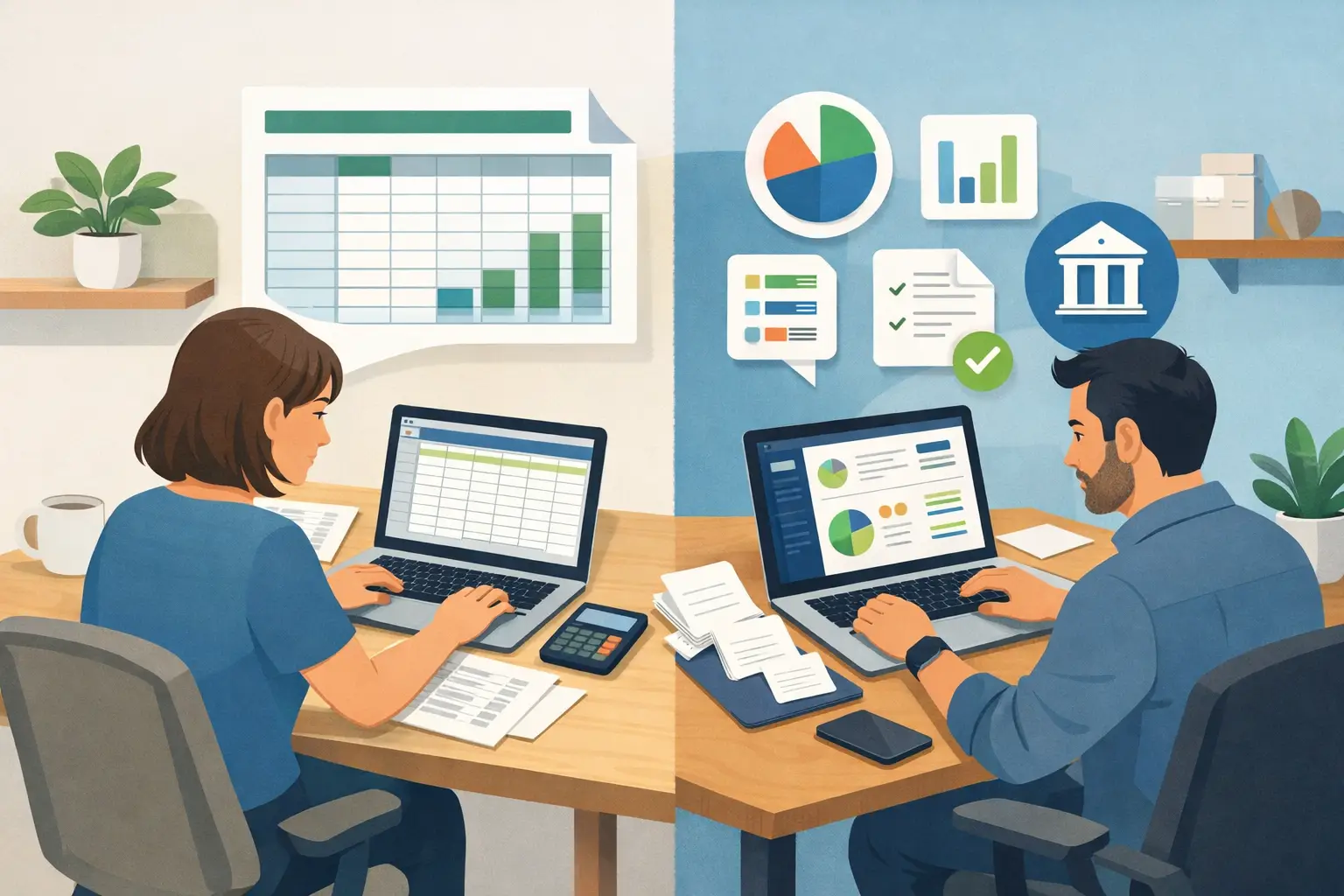
A spreadsheet can feel like the easiest way to start. Open a blank file, add columns for income and expenses, and you are in business. For many self-employed people, that is exactly how bookkeeping begins. But the spreadsheet vs bookkeeping software question becomes more pressing when receipts pile up, clients pay late, or tax time is getting close.
Neither option is automatically right or wrong. A simple spreadsheet may be enough for a new freelancer with a handful of transactions each month. A bookkeeping app can be a better fit for a realtor tracking commissions, a truck driver saving fuel receipts, or a landlord managing several rental expenses. The useful question is not which tool is more impressive. It is which one helps you stay organized without creating more work.
When a spreadsheet works well
Spreadsheets are familiar, flexible, and usually inexpensive. You can make columns that match the way you think about your business: date, customer, amount received, expense type, payment method, and notes. For a consultant sending a few invoices a month, that may be all that is needed to see what came in and what went out.
They can also be helpful for one-off planning. A handyman might use a spreadsheet to estimate the materials needed for an upcoming job. A landlord might use one to compare repair quotes. These are situations where you are working with a small amount of information and want to arrange it your own way.
A spreadsheet is often a reasonable starting point if your records are simple, you enter transactions consistently, and you are comfortable checking formulas. The trouble is that bookkeeping rarely stays simple just because the file started that way.
The hidden work behind a spreadsheet
A spreadsheet does not remind you to enter last week’s purchases. It does not know whether a $75 charge belongs to office supplies, vehicle costs, or a personal purchase you made by mistake. You have to review each item, type it in, choose a category, and make sure the totals still add up.
Small errors can be hard to spot. A formula may skip a row. An expense could be entered twice. A number might be typed as $900 rather than $90. You may not notice until you are trying to prepare information for your accountant or looking for a receipt from six months ago.
There is also the issue of access. If your file lives on one laptop, it is not very useful when you are on the road or meeting a client. Cloud spreadsheets solve some of that problem, but they still depend on you building and maintaining the system. Saving receipts, tracking unpaid customer balances, and separating transfers between accounts can quickly turn into several tabs and a lot of manual checking.
Spreadsheet vs bookkeeping software: the everyday difference
Bookkeeping software is built around recurring financial tasks. Instead of designing your own tracker, you record money in and money out in a structured place. The software can keep categories consistent, organize transactions by date, and show a clearer picture of your business activity.
For a rideshare driver, this might mean recording weekly payouts along with gas, parking, car washes, and phone costs. For an independent cleaner, it could mean tracking payments from clients, supplies, mileage notes, and an unpaid invoice. The goal is not to make you think like an accountant. It is to make routine recordkeeping less likely to fall behind.
A simple bookkeeping system can also keep income, expenses, customer amounts due, bills you need to pay, and transfers between accounts in one place. That matters when you are trying to answer basic questions quickly: Did this customer pay? How much did I spend on fuel this month? Are my business records up to date?
Here is how the two options usually compare in real use:
| Task | Spreadsheet | Simple bookkeeping software | |—|—|—| | Entering a transaction | You create and maintain the format | You enter it in a guided record | | Finding a past expense | Search tabs and rows manually | Search organized transaction records | | Keeping categories consistent | Depends on your own habits | Categories can be selected consistently | | Tracking money owed to you | Requires a separate method or tab | Can be recorded with customer balances | | Viewing recent activity | Often requires formulas or sorting | Usually available in a built-in summary |
Software is not magic. You still need to keep receipts, review your entries, and make sure personal spending does not get mixed into business records. What it changes is the amount of setup and checking you must do every time.
What you are really paying for
A spreadsheet may look free, while bookkeeping software comes with a monthly cost. That is a fair comparison, but price is only one part of the decision. Your time has value too.
Think about a freelance designer who spends 30 minutes every Friday sorting transactions, fixing formulas, and updating an invoice tab. Over a year, that becomes many hours spent maintaining a file. If the process is frustrating, it is easy to skip a week, then a month, then face a stressful catch-up job later.
With a straightforward bookkeeping app, you are usually paying for structure, convenience, and fewer loose ends. Cloud access can let you add a transaction from your phone after buying supplies. A clear transaction history can make it easier to find information when your tax professional asks for it. Some platforms also connect through tools such as Zapier, which can reduce repeated data entry if you already use other business apps.
That does not mean every small business needs software immediately. If your income and expenses are truly limited and you have a spreadsheet routine that works, there is no need to change tools just because someone says you should. The best system is the one you will actually keep current.
How to decide what fits your business
Start with your actual workload, not the size of your ambitions. A new sole proprietor with one customer and a few monthly expenses may be comfortable with a spreadsheet. A business with regular customer payments, frequent purchases, or more than one account will often benefit from a dedicated system sooner.
Ask yourself a few practical questions. Can you see your current income and expenses without rebuilding a report? Do you know which customers still owe you money? Can you find a transaction or receipt from several months ago? Are you spending more time organizing your records than you want to?
If several answers are no, that is a sign your spreadsheet may be asking too much of you. It is not a personal failure. It simply means your business has outgrown a manual tool.
Your comfort level matters as well. Some people enjoy spreadsheets and know how to build formulas. Others see a formula error and immediately worry that their numbers are wrong. A simple bookkeeping program is often a better choice for the second group because it gives them a clear path for entering everyday activity without requiring spreadsheet skills.
Switching without making a mess
Moving from a spreadsheet does not mean you have to recreate every transaction from the day you started your business. Begin with a clean starting point, such as the first day of the current month or year. Enter the balances you need to begin tracking, then record new income and expenses as they happen.
Keep your old spreadsheet as a reference, especially if it contains prior-year details. Then set a small routine for the new system. Ten minutes once or twice a week is much easier than trying to remember three months of purchases at once. Save or photograph receipts as you receive them, and use a separate business bank account or card whenever possible. That one habit alone can make records far easier to review.
If you are unsure how to categorize a purchase or handle a particular tax situation, make a note and ask an accountant or tax professional. Good bookkeeping gives them cleaner information, but it does not replace advice tailored to your circumstances.
A simple tool should make consistency easier
The best choice is the one that helps you keep going when work gets busy. A spreadsheet can be perfectly useful for basic tracking, especially at the beginning. But when the file starts to feel like a second job, simple bookkeeping software can give you a calmer, more dependable way to stay organized.
You do not need to become a bookkeeper to take care of your records. You just need a process that makes it easy to capture what happened while it is still fresh, then gives you a clear view when you need it.