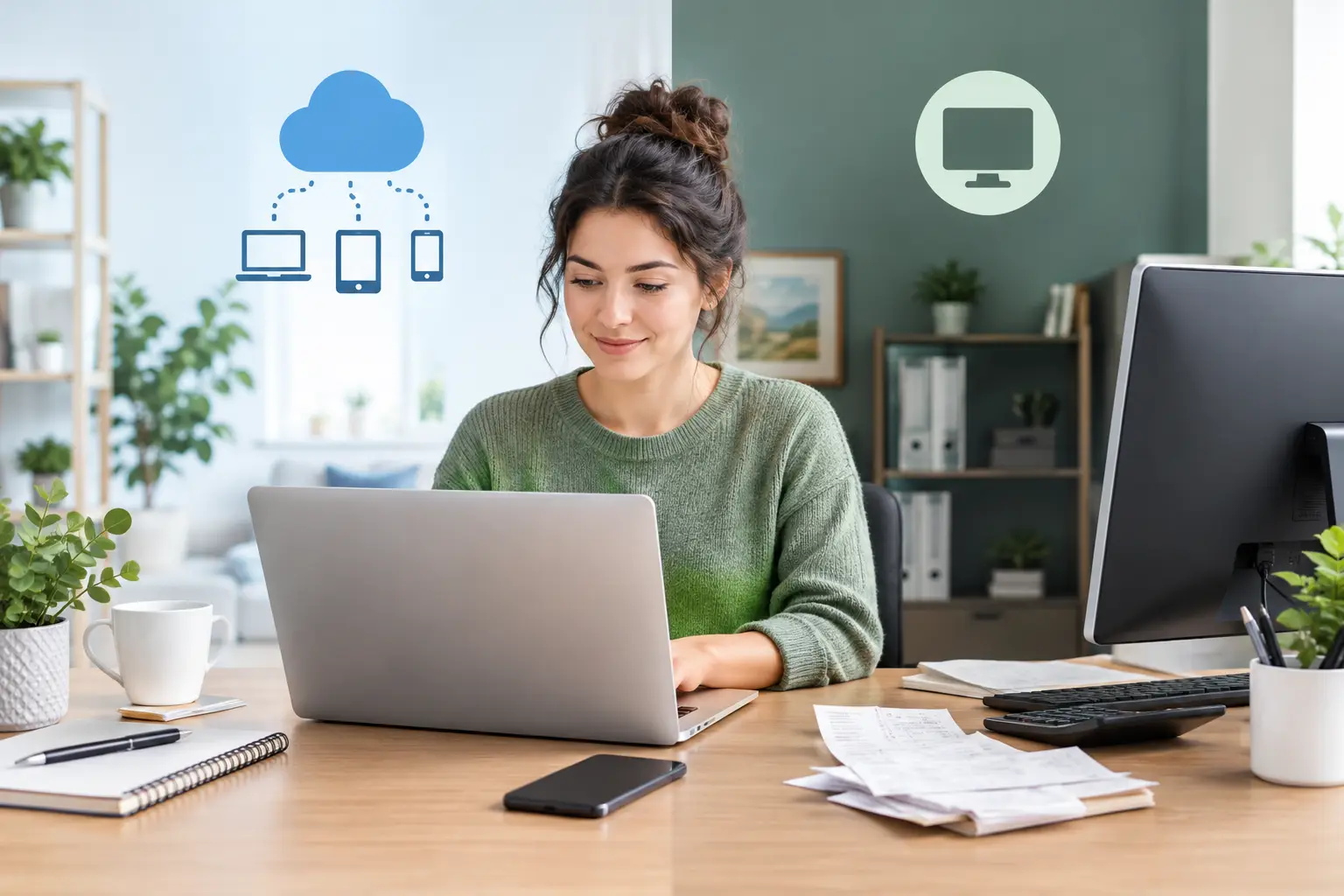
A truck driver finishes a long route and needs to record fuel, parking, and a customer payment. A realtor wants to check a commission expense before meeting a client. A landlord is away for the weekend when a repair bill arrives. In each case, the cloud bookkeeping vs desktop choice affects how easily they can keep their records current.
The better option is not always the one with the longest feature list. For many one-person businesses, the best system is the one they will actually use every week. Here is a clear look at how cloud and desktop bookkeeping differ, where each works well, and what to consider before making a change.
What Is Cloud Bookkeeping?
Cloud bookkeeping software runs online. Your records are stored securely through the software provider rather than only on one computer. You sign in through a web browser or app, then add income, expenses, customer amounts due, bills to pay, and transfers between accounts.
Because your records are online, you can usually access them from different devices. A freelancer can enter an expense from a laptop at home, then look up an invoice from a phone while meeting a client. A rideshare driver can record car-wash costs without waiting until they get back to a home office.
This does not mean you need to be connected every minute of the day. It simply means your bookkeeping file is not tied to one specific computer. For people who work from different locations or do not have a traditional office, that flexibility can remove a common reason bookkeeping gets delayed.
What Is Desktop Bookkeeping?
Desktop bookkeeping software is installed directly on a computer. Your bookkeeping file is typically stored on that computer or on a local drive that you manage. You open the program, enter transactions, and save the file yourself.
For some business owners, this feels familiar and comfortable. If you have used the same computer for years, work mainly from one desk, and prefer to keep records locally, desktop software may suit your routine.
The trade-off is access. If your laptop is at home and you are at a job site, you may not be able to check a balance or record a payment until later. If that computer fails, is lost, or needs replacement, restoring your records depends on whether you have reliable backups.
Cloud Bookkeeping vs Desktop: The Everyday Differences
The decision often comes down to your work habits, not accounting knowledge. Both options can help you track money coming in and going out. The practical experience can be quite different.
Access and convenience
Cloud software is usually the easier choice when you need flexibility. You can log in from a new computer if your usual one is being repaired, or review your records while traveling. For an independent contractor who moves between client locations, that can be more useful than it sounds.
Desktop software is better suited to someone who does their bookkeeping in one place at one planned time. There is nothing wrong with that approach if it helps you stay consistent. But if you often put off entries because the file is on another device, the system may be working against you.
Backups and record safety
With desktop bookkeeping, backups are your responsibility. You may need to copy your file to an external drive or another secure location regularly. Many owners mean to do this, then discover months have passed since their last backup.
Cloud software normally stores records on secure servers and maintains backups as part of the service. That can offer peace of mind if a computer is damaged, stolen, or replaced. Still, use a strong, unique password and keep your login information private. Good security also includes reviewing who has access to your financial information.
Updates and maintenance
Desktop programs may require you to install updates or purchase a newer version over time. Depending on the software, older versions can eventually stop receiving support or become less compatible with newer computers.
Cloud bookkeeping software is updated by the provider. When you sign in, you are generally using the current version without having to install anything yourself. That is especially helpful for owners who want to spend their time serving customers rather than dealing with software maintenance.
Cost and budgeting
Desktop software may involve a larger upfront purchase, sometimes followed by upgrade costs. Cloud bookkeeping commonly uses a monthly or annual subscription. Neither pricing approach is automatically cheaper for everyone.
Think about more than the price on the screen. Consider backup tools, upgrades, the time required to maintain the program, and whether the software includes functions you will never use. A simple monthly cost can be easier for a small business to plan around, particularly when it replaces a more complicated system.
Help when you get stuck
When bookkeeping is not your main job, accessible support matters. You may only have a question about recording a payment, categorizing an expense, or correcting a duplicate entry. You should not have to learn accounting language just to ask for help.
Cloud services often provide support and help materials designed around their own current software version. With desktop programs, the available support may depend on your version and whether it is still supported. Before choosing either option, check what help is included and whether it is easy to reach.
Which Option Fits Your Business?
Cloud bookkeeping often makes sense for sole proprietors, freelancers, landlords, owner-operators, and small service businesses that need simple records and flexible access. It can be a strong fit if you work from a phone and laptop, travel for jobs, want automatic backups, or need to share reports with a bookkeeper or tax professional when requested.
For example, a handyman may enter material costs after leaving a hardware store, record a customer payment at the end of a job, and review unpaid invoices on Sunday evening. Keeping those tasks in one online system can make the routine easier to maintain.
Desktop software may be a reasonable fit if you always work from one computer, have a dependable backup routine, and prefer not to use a subscription. It can also suit someone with a stable process who does not need access outside their office.
The key question is simple: where and when do you actually handle your business records? Choose the system that matches that answer, rather than the one that sounds most impressive.
Keep the Bookkeeping Part Simple
Whether you use cloud or desktop software, the basic habit matters more than the format. Record income when it comes in, add expenses soon after you pay them, and keep business purchases separate from personal spending whenever possible. Waiting until tax time creates more stress and makes it harder to remember what each transaction was for.
A basic system should help you see what you earned, what you spent, what customers still owe you, and what bills need attention. You do not need a screen full of features you will never touch.
For a very small business, a straightforward cloud tool such as Pro Ledger Online can be a practical middle ground. It is built for tracking the everyday items that matter to independent owners without expecting them to become bookkeepers. If your tax situation is unusual or you are unsure how to treat a specific item, save the details and ask a qualified tax professional for guidance.
Before You Move Your Records
If you are switching from desktop to cloud bookkeeping, do not rush the change during your busiest week. Pick a calm time, make a final backup of your existing file, and gather your current bank balances, unpaid customer amounts, and bills you still need to pay. Start with clean, accurate opening information rather than trying to recreate every old transaction at once.
It also helps to give yourself a short routine. Set aside 10 or 15 minutes once or twice a week to enter transactions and review what is outstanding. A landlord might do this after collecting rent. A freelancer might do it every Friday afternoon. The best schedule is the one you can repeat.
Cloud bookkeeping is not automatically right for every small business, and desktop software is not automatically outdated. But when your records are easy to reach, easy to understand, and easy to keep current, bookkeeping becomes one less thing hanging over your week.