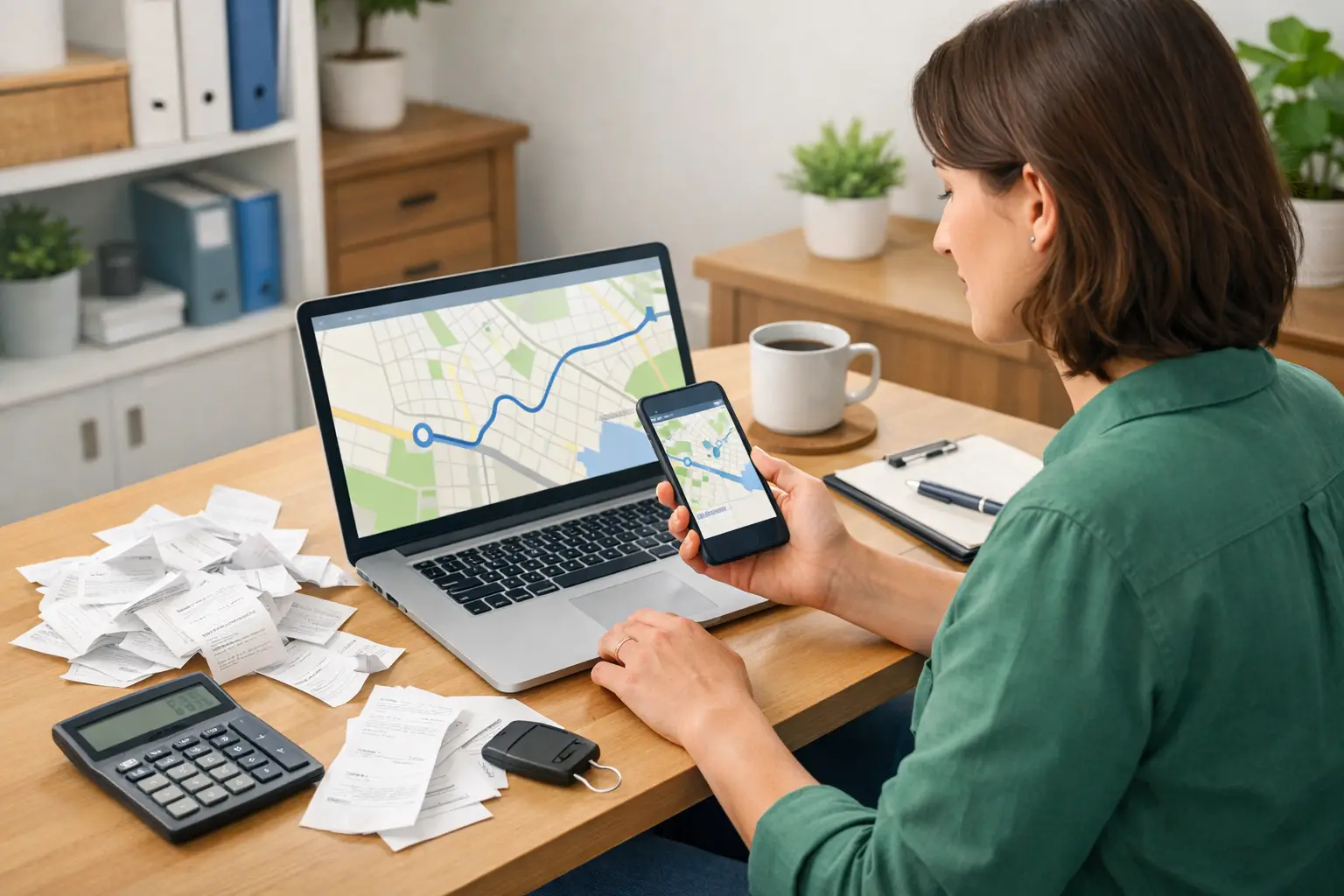
A mileage log is one of those small jobs that feels easy to put off. Then a few months pass, the calendar is fuzzy, and you are trying to remember why you drove 42 miles on a Tuesday in March. Learning how to record business mileage as you go takes only a few minutes a week and can save a lot of guesswork later.
For a realtor driving to showings, a handyman visiting job sites, or a freelancer heading to a client meeting, those miles can add up quickly. The goal is not to make bookkeeping complicated. It is to create a simple record that clearly shows which trips were for work.
What counts as business mileage?
Business mileage is generally the distance you drive for a business-related purpose. That can include traveling to meet a client, picking up supplies, visiting a rental property, going to the bank for business, or driving between work locations.
For example, a rideshare driver may track miles driven while available for rides, miles to pick up passengers, and miles during trips. A landlord may track a drive to inspect a property or meet a repair person. A consultant might log a trip from a home office to a client’s location.
Not every trip in your vehicle belongs in your business records. Personal errands do not count just because you answered a work call while driving. Regular commuting from home to a fixed workplace is also often treated differently from business travel. The details can depend on your situation, especially if you work from home or use your vehicle in more than one way. A tax professional can help you sort out the rules that apply to you.
How to record business mileage: the simple method
The most useful mileage records are made close to the time of the trip. You do not need a complicated spreadsheet or accounting background. You need a habit and a place to keep the information.
For each business trip, write down these five details:
- The date of the trip
- Where you started and where you went
- The business reason for the trip
- The number of business miles driven
- Your vehicle’s odometer reading, when relevant to your tracking method
A basic entry could look like this: “May 14 – Home office to 123 Main Street and return – client design consultation – 18 business miles.”
That note is much stronger than an entry that simply says “work driving.” If someone looks at your records months later, the purpose should still make sense without relying on your memory.
Pick one tracking routine you will actually keep
There are several workable ways to track mileage. A paper log in your glove box can work well if you remember to use it. A notes app or calendar entry may suit a freelancer who is already on their phone between appointments. A mileage-tracking app can be helpful for drivers, real estate agents, and contractors who make many stops each day.
You can also keep a simple mileage sheet and update it every Friday. The best choice depends on how often you drive and how likely you are to keep up with it. An app may reduce manual work, but it still needs your review. Automatic tracking can confuse a personal trip with a business one, so take a moment to label trips correctly.
If you prefer a manual log, make it easy to reach. Keep it in the vehicle with a pen attached, not in a desk drawer at home. The fewer steps involved, the more likely the habit will stick.
Record trips, not vague monthly totals
A common mistake is writing down one total at the end of the month, such as “April business miles: 680.” That number may be accurate, but it does not explain where the miles came from or why they were business-related.
Individual trip records are more useful. They give you a clear trail and make it easier to spot mistakes. If recording every short trip feels unrealistic, create a routine that captures them before the day ends. A cleaner who visits three homes, for instance, could enter all three stops from the parking lot before driving home.
For a truck driver or owner-operator, mileage records may be more detailed because trips can cross state lines, involve loads, or connect to other reporting needs. Keep the mileage log separate enough that you can understand your business travel at a glance, even if you also maintain trip sheets or dispatch records.
Start with a yearly odometer reading
At the beginning of the year, write down your vehicle’s odometer reading. Record it again at the end of the year. This helps show the vehicle’s total annual mileage, not just the business portion.
Why does that matter? If you use one car for work, family errands, vacations, and school drop-offs, your business miles are only part of the total. Knowing the total helps you keep the business use in context and can support whichever vehicle expense approach you discuss with your tax preparer.
If you bought or sold a vehicle during the year, record the date and odometer reading at that point as well. Keep documents related to the vehicle in the same folder as your mileage records so they are easier to find later.
Keep business and personal driving separate
Many self-employed people use the same vehicle for nearly everything. That is normal, but it makes clear records more valuable.
Try not to estimate business mileage based on how busy you felt that month. Instead, mark personal trips as personal, leave them out of the business log, or use an app category that separates them. If you make a combined trip, such as picking up business supplies and then grocery shopping, note the business stop and the miles connected to it as clearly as you can.
A little honesty and consistency go a long way. Overstating miles can create problems, while under-recording them can mean missing legitimate business costs. When in doubt, write down the facts of the trip and ask a qualified tax professional how it should be treated.
Choose a mileage expense approach before tax time
Small business owners commonly use one of two approaches for vehicle costs: claiming a standard mileage amount set by the tax authorities, if eligible, or tracking actual vehicle expenses and claiming the business-use portion, if eligible. The better option can depend on your vehicle, how much you drive, and the costs you pay during the year.
Even if you expect to use actual vehicle expenses, a mileage log is still useful. It helps show what share of the vehicle’s use was for business. Keep receipts for items such as fuel, repairs, insurance, registration, parking, and tolls if they apply to your situation.
Do not assume you can switch freely between methods whenever one gives a better result. Eligibility and timing rules can matter. The tax treatment also changes from time to time, so check with a tax professional before filing rather than relying on an old rule or a friend’s experience.
Make mileage part of your weekly bookkeeping
Mileage tracking works best when it is connected to a routine you already have. Set aside ten minutes each week to review your trips, correct anything unclear, and add up your business miles if needed. Put that task on the same day you review receipts or enter income.
Cloud bookkeeping can make this easier because your records are available when you need them. In a simple system such as Pro Ledger Online, you can keep your business income and expenses organized while maintaining your mileage information in a consistent place or alongside your vehicle records. The key is not using more tools. It is using a routine you can repeat.
At month-end, take a quick look for gaps. Did you visit a client but forget to log the drive? Does a large mileage entry need a clearer description? Fixing small gaps while the month is still fresh is far easier than rebuilding a year’s worth of trips.
A few records worth keeping with your log
Your mileage log does most of the work, but supporting records add helpful context. Keep your appointment calendar, client invoices, work orders, and parking or toll receipts when they relate to business travel. You do not need to create a huge paper pile. A clearly labeled digital folder can be enough for many small businesses.
If you use an app, export or back up your records periodically. Technology is helpful until a phone is replaced, an account is closed, or a setting changes. Having a saved copy gives you one less thing to worry about.
A good mileage record is simply a believable story of your work travel: where you went, why you went, and how far you drove. Start with the next trip rather than trying to build the perfect system. A short, clear note made today is more useful than a flawless log you plan to begin someday.