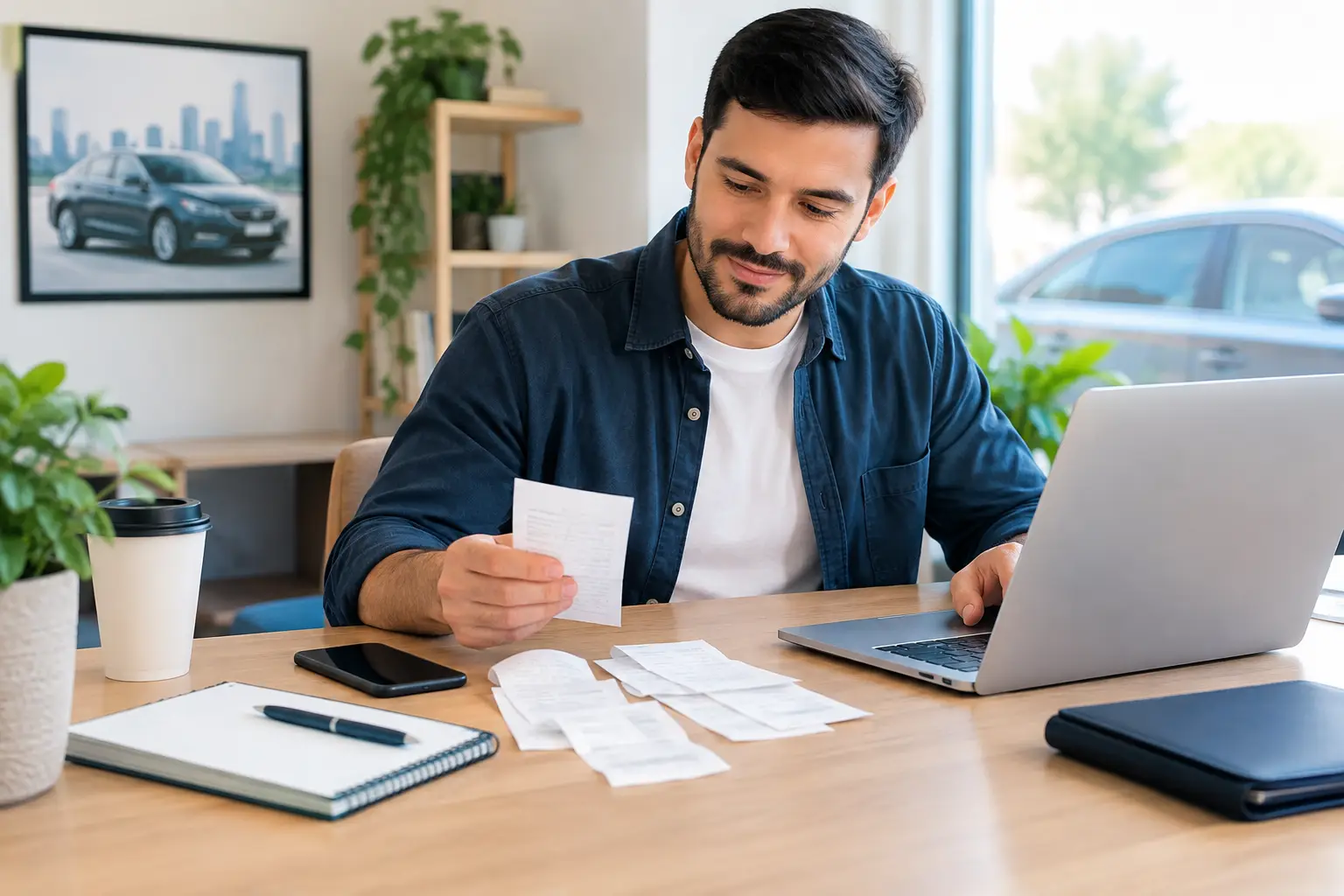
A profitable driving week can look very different once gas, car washes, tolls, and phone costs are taken out. That is why an expense tracking guide for rideshare drivers should focus on one practical habit: record business costs while they are still easy to remember. You do not need to become a bookkeeper. You just need a simple routine that lets you see where your money is going.
For many drivers, the hard part is not finding expenses. It is sorting business driving from personal life, keeping receipts from piling up, and facing tax season without a clear record. A few minutes of organization each week can make a major difference.
Start with a separate place for driving money
If possible, use one bank account or card mainly for rideshare income and work-related purchases. This does not have to be a complicated business setup. The goal is simply to make your driving transactions easier to spot.
When fuel, parking, tolls, and supplies come from the same card, you will spend less time searching through personal purchases later. If you buy a personal item with that card by mistake, label it as personal right away instead of trying to remember months later.
Rideshare platforms may pay you after taking fees or other adjustments. Record the amount that actually reaches your bank account, then keep the platform’s weekly or monthly statements. Those statements can help explain the difference between passenger fares and your deposited payout.
Know which costs are worth tracking
Most rideshare drivers have more expenses than they first realize. Some are obvious, such as fuel. Others show up in small amounts throughout the month and are easy to overlook.
Keep a record of work-related costs such as:
- Fuel or charging costs
- Tolls, parking, and airport access fees
- Car washes, cleaning products, and vacuum fees
- Phone mounts, charging cables, dash cameras, and other driver supplies
- The business-use portion of your cell phone bill
- Insurance, registration, repairs, maintenance, and tires
- Rideshare platform fees and payment processing fees
Not every car or phone cost is automatically a business expense. If you also use your vehicle and phone personally, you may need to separate the business portion. The right method depends on your circumstances and local tax rules, so speak with a tax professional if you are unsure.
The key is to capture the transaction now. Whether it ends up being used for taxes, budgeting, or both, a clear record gives you options.
Mileage or actual vehicle costs: keep the records you need
Vehicle expenses are where many drivers get stuck. In the United States, drivers commonly use either a mileage-based method or an actual-expense method when preparing taxes. The best choice can depend on your vehicle, how much you drive, and the tax rules that apply to you.
You do not need to decide that question alone while you are filling up at the gas station. But you should keep records that allow a tax professional to help you make an informed choice later.
A mileage log should show the date, miles driven, and business purpose of the trip. For rideshare work, tracking miles while the app is on and you are available for trips may be relevant, but rules can be specific. Keep your platform mileage summaries, but do not assume they capture every mile that may matter to your situation.
Also save receipts for fuel, repairs, tires, insurance, registration, and cleaning. Even if you eventually use a mileage-based method, those records still show what it truly costs to keep your vehicle on the road. That information is useful when deciding which rides, areas, or hours are worth driving.
Build a weekly expense tracking routine
The best expense system is the one you will actually maintain during a busy week. For most drivers, a short weekly check-in works better than trying to catch up at the end of the year.
Set aside 10 to 15 minutes on the same day each week. Open your banking app, review your rideshare statements, and enter or confirm your income and expenses. Add a simple label to each item, such as fuel, tolls, cleaning, repairs, supplies, or phone.
Then look for transactions that need a note. A $200 repair bill is easy to remember today but may be a mystery six months from now. Add a short description such as “front brake pads” or “oil change for rideshare vehicle.” Clear notes protect you from guesswork later.
If you prefer paper receipts, place them in one envelope or folder and write the date and purpose on them. If you use digital receipts, save them in one folder on your phone or computer. Taking a quick photo of a paper receipt is often wise because receipt ink can fade.
Keep personal and business driving separate on paper
Your car may do several jobs. It gets you to family events, grocery stores, appointments, and rideshare pickups. That is normal. The goal is not to pretend every mile or purchase was for business. It is to create an honest, easy-to-follow record.
For example, if you stop for gas after driving all weekend but also use that same tank for personal errands, save the fuel receipt as a vehicle cost and keep your mileage records current. Your tax professional can help determine the appropriate business treatment.
The same idea applies to your phone. If you use it for navigation, accepting rides, communicating with passengers, and managing payouts, track the monthly bill and make a note that it is used for driving. Do not guess at percentages or deductions if you are uncertain. Good records make that conversation much easier at tax time.
Watch your real profit, not just your payouts
A rideshare deposit can feel like income you can spend, but it needs to cover more than today’s gas. Your vehicle is slowly using up tires, oil, brakes, and resale value. A smart expense tracking habit helps you notice the cost of operating before a repair becomes an emergency.
At the end of each month, compare your payouts with your tracked costs. You do not need a complicated report. Start with three questions: How much came in? How much went out for driving? What is left before taxes and personal spending?
This is also a good time to set aside money for upcoming vehicle maintenance and estimated tax payments if they apply to you. The amount will vary by driver, location, and household situation. An accountant or tax professional can help you choose a reasonable approach.
Use simple categories that make sense to you
Too many categories can make bookkeeping feel like another shift. Keep your expense names plain and consistent. “Fuel” is better than creating separate labels for every gas station. “Vehicle maintenance” can cover oil changes and minor service, while “vehicle repairs” can hold larger fixes if you want to see those separately.
A simple bookkeeping tool can reduce the clutter by keeping income, expenses, and receipt notes in one place. Pro Ledger Online is designed for small business owners who want straightforward records without learning formal accounting language. Whatever system you use, consistency matters more than perfection.
Avoid waiting until your bank balance is low to check expenses. Regular review helps you spot duplicate charges, forgotten subscriptions, and unusually costly weeks while there is still time to respond.
What to do when you missed a few months
Falling behind is common, especially during a busy season. Do not let a backlog convince you to give up. Start with the most recent month, then work backward through your bank and card statements.
Create broad categories first. You can refine unclear transactions later by checking emails, maps, platform statements, or receipt photos. If a charge cannot be identified, mark it for review rather than guessing.
For older mileage, use reliable records where available, but be careful about recreating a log from memory alone. A tax professional can tell you what documentation is appropriate for your situation.
Your records do not need to be fancy to be useful. A steady weekly habit gives you a clearer view of your driving business, makes tax preparation less stressful, and helps you make decisions based on what you actually keep. Start with this week’s receipts, and let the system get better one short check-in at a time.