
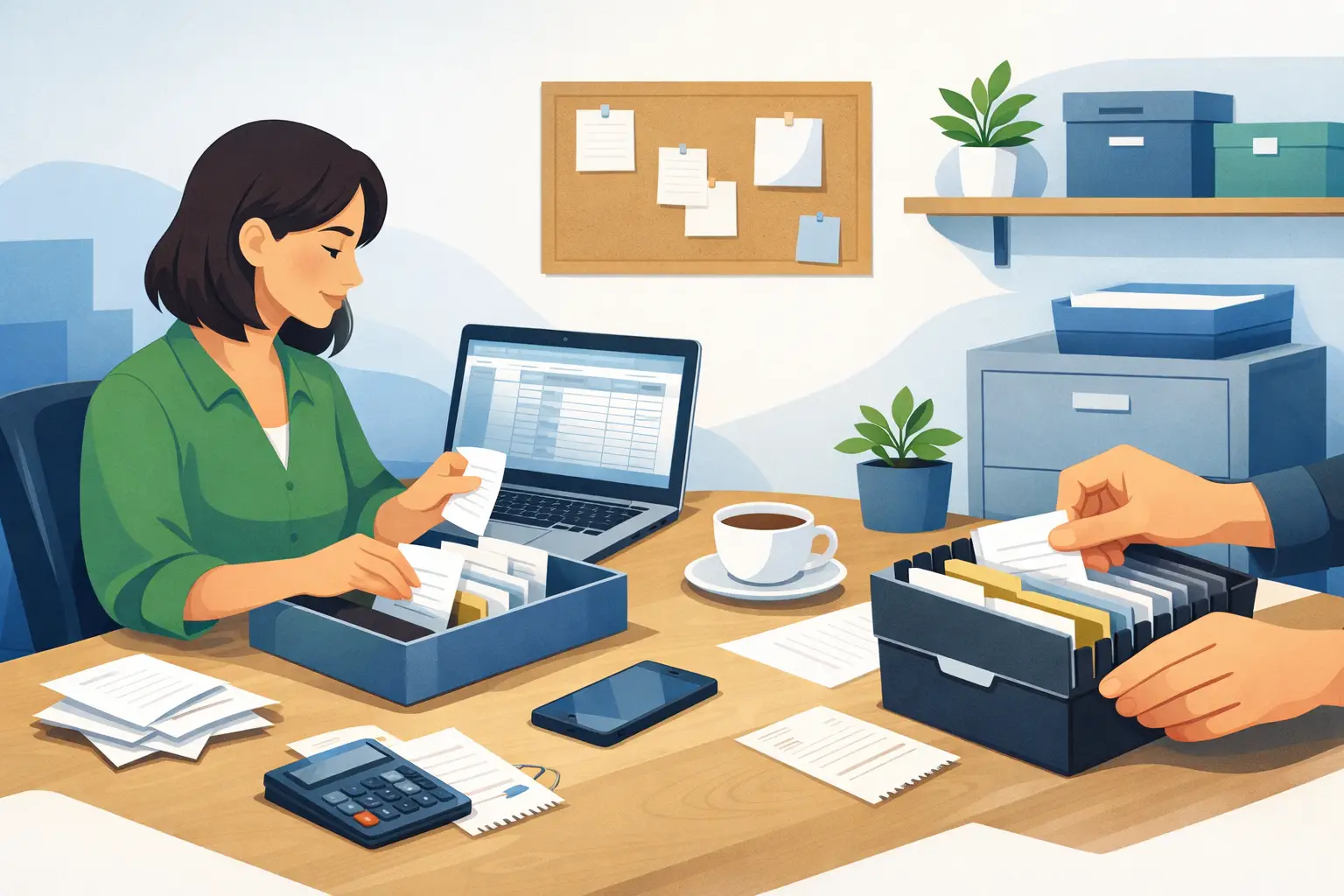
That gas station receipt stuffed in your glove box, the coffee shop slip fading in your wallet, the emailed invoice you meant to save somewhere – this is usually how receipt problems start. If you have been wondering how to organize business receipts without turning into a full-time bookkeeper, the good news is you do not need a complicated system. You need one that is easy enough to keep using.
For most sole proprietors, freelancers, landlords, and independent contractors, the real issue is not a lack of effort. It is that receipts show up in too many places. Some are paper, some are emailed, some live in text messages, and some get mixed in with personal spending. A good receipt system brings all of that into one routine you can manage in a few minutes each week.
Why receipt organization matters more than people think
Receipts are not just scraps of paper. They help support your expense records, remind you what a purchase was for, and make tax time far less stressful. If you drive for rideshare, manage rental property, or work as a realtor, you probably make a lot of small purchases that are easy to forget later. Without a receipt or at least a clear record, those expenses can become harder to explain.
Good organization also helps with everyday bookkeeping. When receipts are easy to find, it is much simpler to enter expenses correctly, separate business from personal costs, and avoid guessing at the end of the month. That guesswork is where many small business owners lose time and confidence.
How to organize business receipts with a simple system
The best system is usually the simplest one. Try to build your process around one rule: every receipt should end up in one main place, then get sorted the same way every time.
Start by choosing your receipt home. For paper receipts, that might be one envelope, folder, or small accordion file. For digital receipts, it might be one folder on your computer or cloud storage. If you deal with both, use both – but make them mirror each other so the structure stays easy to remember.
Next, decide how you want to sort them. Most very small businesses do well with one of two methods. You can sort by month, which is great for ongoing bookkeeping, or by expense type, such as fuel, supplies, meals, repairs, and phone. If you are a truck driver with frequent fuel and maintenance costs, category folders may help more. If you are a freelance designer or consultant with fewer expenses, monthly folders may be enough.
The important part is consistency. A simple system used every week is better than a perfect system used once in January and forgotten by March.
Paper receipts need a quick routine
Paper receipts are still common, especially for parking, fuel, meals, hardware supplies, and small local purchases. The problem is that they fade, crumple, and disappear fast.
As soon as you get a paper receipt, put it in one spot. Not your cup holder, not your jacket pocket, not a random drawer. If you work on the road, keep a small receipt envelope in your vehicle or bag. A handyman might keep one in the truck. A realtor might keep one in a work tote. A landlord might keep one in the car for supply runs and repair purchases.
Then once a week, go through that envelope. If the receipt is faded or printed on thermal paper, scan or photograph it sooner rather than later. Rename the file in a way that makes sense later, such as 2026-04-12-gas-48-50 or 2026-04-12-home-depot-repair-supplies. You do not need a fancy naming system, but you do need one that lets you recognize the purchase without opening every file.
Digital receipts count too
A lot of small business spending no longer comes with a paper slip. It comes by email, app, or download. That includes software subscriptions, online advertising, office supplies, booking fees, and phone bills.
Digital receipts are easier to keep, but they can still become a mess if they stay buried in your inbox. Create one folder in your email for business receipts or invoices. Then either move those messages there or download the receipt files into your main receipt folder.
If you use cloud bookkeeping software, this is where staying organized gets easier. When you enter an expense regularly and keep the receipt file close by, you spend less time hunting things down later. For many one-person businesses, simple software is enough. You do not need a giant accounting system just to keep a record of fuel, supplies, rent, and client payments.
Keep business and personal spending apart
If you want receipt organization to get easier fast, separate business and personal spending as much as possible. Use a dedicated business card or business bank account when you can. That alone cuts down confusion.
When purchases are mixed, receipts become harder to sort because you first have to remember what was personal and what was not. This is especially common for freelancers, rideshare drivers, and new sole proprietors who are still setting things up. If you do have a mixed receipt, make a note on it right away. Write what part was business-related or save a digital note with the image.
This does not have to be perfect from day one. Even moving just your regular business expenses to one card can make your bookkeeping much easier.
What details should you keep with each receipt?
A receipt is most useful when it answers the basic questions later: what was bought, when, where, how much, and why it was for the business.
Sometimes the printed receipt covers all of that. Sometimes it does not. A restaurant slip may show the total but not who you met with. A hardware receipt may list part numbers that mean nothing six months later. In those cases, add a short note. You can write directly on the paper copy before scanning it, or add a note in your bookkeeping records.
Keep it simple. “Lunch with client about listing photos” or “paint supplies for rental unit repair” is usually more useful than trying to remember the story at tax time.
Set a weekly receipt habit, not a yearly cleanup
The biggest mistake is letting receipts pile up for months. Then bookkeeping turns into a marathon, and every transaction takes longer because your memory is gone.
A weekly habit works better for most people than a daily one. Pick one time each week – Friday afternoon, Sunday evening, whatever is realistic. Spend 10 to 20 minutes gathering receipts, scanning paper ones, filing digital ones, and recording expenses.
This habit matters more than the tools. A basic folder system used weekly will beat an expensive app you never open. If you want extra help, use reminders on your phone or calendar so the task does not depend on memory.
A receipt system for common small business situations
Different businesses need slightly different approaches. A truck driver or rideshare driver may want folders for fuel, repairs, tolls, and meals on the road. A realtor may need categories for marketing, client meals, staging items, and mileage-related records. A landlord may organize receipts by property, then by month, because that matches how repair and maintenance costs tend to come up.
Freelancers and consultants often have fewer physical receipts but more digital ones. For them, the key is usually getting emailed invoices and subscription charges out of the inbox and into one organized place.
This is where it depends on your business. If you only have a handful of expenses each month, do not overbuild the system. If you have lots of vehicle, travel, or supply costs, a little more sorting up front can save time later.
When to toss receipts and when to ask for help
Receipt storage rules can vary based on your location and situation, so it is smart to check with an accountant or tax professional about how long you should keep records and whether digital copies are enough for your needs. This is especially worth asking if you are behind on bookkeeping, have complicated mixed-use expenses, or manage more than one type of business activity.
If your current setup feels scattered, do not try to fix everything in one day. Start with this month. Create one folder, one envelope, and one short weekly routine. Then work backward only if you need to.
If you use straightforward bookkeeping software like Pro Ledger Online, pairing your receipt habit with regular expense entry can make the whole process feel much more manageable. The goal is not to build a perfect archive. It is to make sure your records are clear enough that you can trust them.
A good receipt system should make your business feel lighter, not heavier. If you can find what you need in a few minutes and keep up with it every week, you are doing it right.