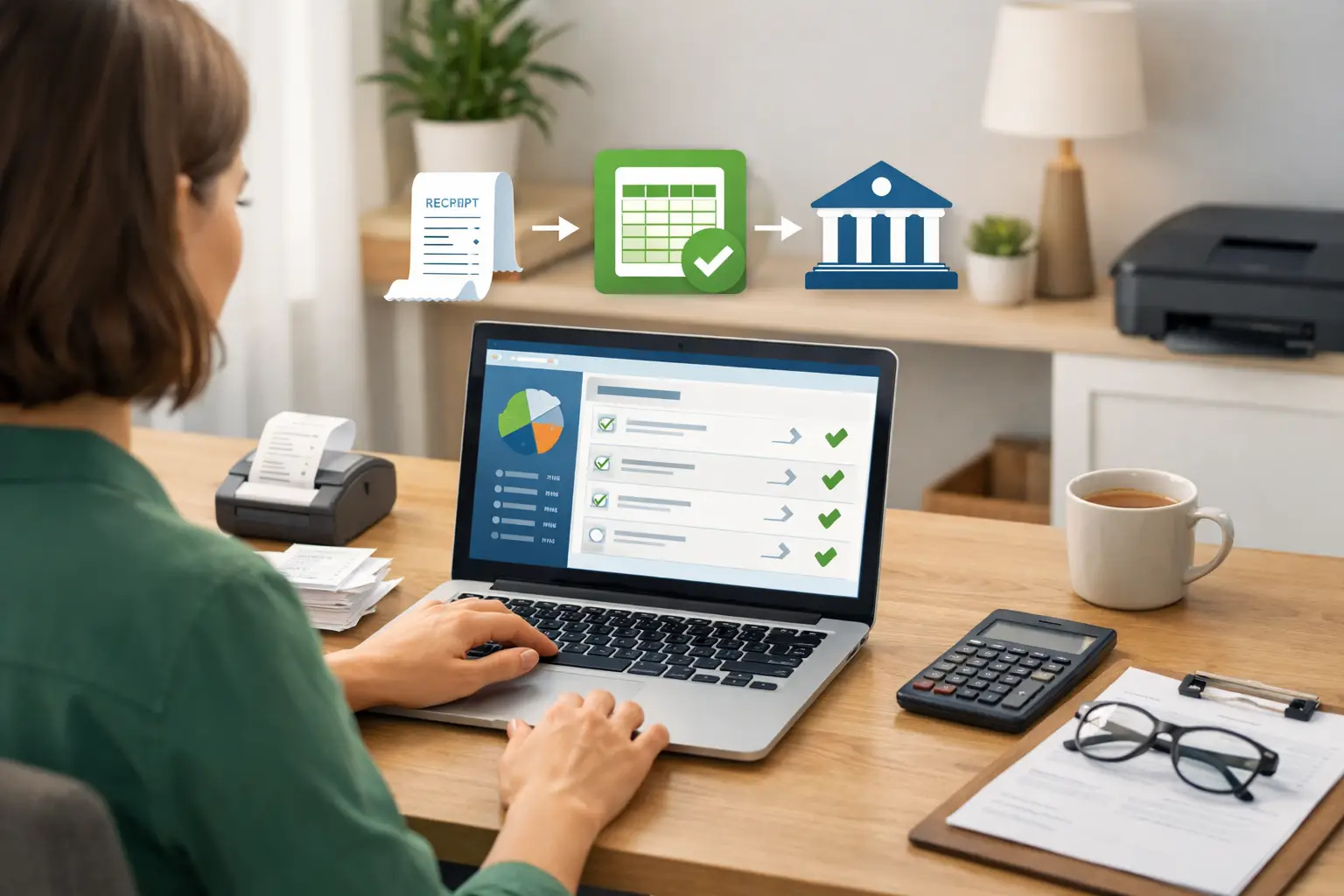
A missed receipt, an invoice you meant to follow up on, and a month of bank transactions waiting to be sorted can turn a quiet Friday afternoon into a bookkeeping headache. The good news is that learning how to automate bookkeeping tasks does not mean handing every financial decision to software. It means setting up a few dependable routines so less of your time is spent typing the same information over and over.
For a freelancer, landlord, realtor, or owner-operator, the best automation is usually simple. It should reduce repetitive work, keep records current, and still leave you in control of what goes into your books.
Start With Clean, Separate Business Activity
Automation works best when it has clear information to work with. If personal groceries, client payments, fuel, and household bills all run through the same account, software cannot reliably tell what belongs to the business.
Use a separate bank account and, if appropriate for your situation, a separate card for business spending. A rideshare driver might use the card for fuel, car washes, and work-related supplies. A consultant might use it for software subscriptions, phone costs, and client travel. This one habit makes transaction imports and categorizing much easier.
If you occasionally pay a business expense from a personal account, record it promptly and clearly. Do not wait until tax season and hope you will remember why that $86 charge mattered.
Automate the Transactions You See Every Week
The most useful bookkeeping automation starts with regular money movement: payments coming in, bills being paid, and transfers between accounts.
Import bank and card transactions
Connecting or importing transactions from your bank and credit card reduces manual data entry. Instead of entering each fuel purchase or client payment line by line, you review transactions that are already in your bookkeeping system.
This is a time-saver, not a permission slip to stop checking. Bank descriptions can be vague, and one vendor may sell both business and personal items. Review imported transactions on a regular schedule, such as once a week, while the details are still fresh.
Create rules for predictable expenses
Some expenses repeat in much the same way each month. Your internet bill, bookkeeping subscription, office rent, or phone bill may come from the same company for a similar amount. Set up a rule that suggests the right expense category when that payee appears.
A truck driver, for example, may create rules for recurring toll charges or a regular mobile phone bill. A landlord may use rules for property management software or a recurring utility payment. Start with expenses you recognize easily. Avoid making rules for merchants that cover many different types of purchases, such as a large online marketplace or a big-box store.
Schedule recurring income and bills
If you send the same monthly invoice to a client or receive regular rent payments, recurring entries can keep your records from falling behind. You can also schedule reminders for bills that do not come through automatic payment.
The goal is not to assume every payment will arrive exactly as planned. It is to have an expected entry or reminder so an overdue client payment or an unpaid bill stands out sooner.
Use Your Apps to Send Information Where It Belongs
Many small businesses already use separate tools for payments, scheduling, forms, online sales, and customer communication. Re-entering the same information from each app is where bookkeeping starts to feel like a second job.
Automation tools such as Zapier can pass selected information from one app to another. For example, a freelancer who receives a payment through an online payment service may be able to send the transaction details into their bookkeeping records automatically. A cleaner using a booking app might create a workflow that records completed jobs or creates a draft invoice.
Pro Ledger Online supports Zapier integrations, which can be useful when your business relies on apps outside your bookkeeping system. Keep the first connection simple and test it with a few transactions before relying on it fully.
Not every app connection is worth setting up. If you only receive one payment a month through a particular service, manual entry may be quicker than configuring and monitoring an automation. Focus on the tools you use often enough for the saved time to add up.
Set Up a Simple Receipt Routine
Receipts are easy to lose because they arrive in so many forms: paper slips, emailed confirmations, and photos on your phone. Automating receipt collection can be as simple as choosing one place to send or store them right away.
Forward emailed receipts to a dedicated folder. Take a photo of paper receipts before they fade or get tossed in the truck console. If your bookkeeping software allows attachments, add the receipt to the related transaction during your weekly review.
You do not need to keep every receipt in your wallet until it becomes a paper pile. You do need a consistent method that lets you find support for a business expense later. Requirements can vary based on your location and situation, so ask a tax professional what records you should retain and for how long.
Keep Invoices and Follow-Ups Moving
Getting paid is part of bookkeeping. When invoices are created manually and follow-ups live only in your memory, it is easy for receivables to slip through the cracks.
Use invoice templates for services you sell often. A real estate agent may use a consistent template for referral or marketing services. An independent contractor may use one for labor and another for materials. Templates reduce errors in descriptions, payment terms, and customer details.
Then schedule payment reminders. A polite reminder sent a few days before or after the due date is less awkward than realizing three months later that a client never paid. Automation can create the reminder, but review your open invoices yourself. Sometimes a payment was made through a different method, a customer has a question, or a job changed after the invoice was sent.
Build a 20-Minute Weekly Review
The biggest mistake with automation is assuming it runs perfectly without attention. A short weekly review is what turns automated activity into reliable books.
Pick the same time every week. Open your bookkeeping records, review new transactions, match payments to invoices, check for duplicate entries, and look at unpaid bills or overdue invoices. Twenty minutes is often enough when you keep up with it. Waiting three months makes even the best setup feel overwhelming.
During this review, pay special attention to transfers. Moving money from checking to savings, paying a credit card, or shifting funds between business accounts is not the same as earning income or paying a new expense. Label transfers correctly so your income and expense totals do not get distorted.
Know What Should Not Be Fully Automated
Some decisions need your judgment. Software cannot always know whether a restaurant charge was a client meeting, a personal meal, or both. It may not know how to handle a refund, a split purchase, a security deposit, or an unusual one-time payment.
Be cautious with automatic categories for mixed-use expenses, cash transactions, and purchases from merchants with broad product lines. If an entry affects taxes, reimbursement, or a question you are unsure about, make a note and speak with an accountant or tax professional. Automation can organize the facts, but it should not replace professional advice for your specific situation.
A Sensible Way to Start
Do not try to automate everything in one weekend. Begin with the task you repeat most often, usually importing transactions or categorizing recurring expenses. Once that feels reliable, add invoice reminders, receipt capture, or an app connection.
Good bookkeeping automation should feel almost boring. Your records stay current, you know what needs attention, and you spend more time serving customers instead of sorting through old statements. Start with one small routine this week, then let consistency do the heavy lifting.