A lot of small business owners put off bookkeeping for the same reason they put off organizing receipts or answering old emails – it feels harder than it should be. If you are looking at cloud bookkeeping software for small business, you probably do not want more features. You want a simple way to keep your records current, see what you earned, and stop guessing at tax time.
That matters whether you are a realtor tracking commissions and mileage, a truck driver managing fuel and repair costs, or a landlord recording rent and maintenance. Good bookkeeping software should make those day-to-day tasks easier, not turn them into a part-time job.
What cloud bookkeeping software for small business actually does
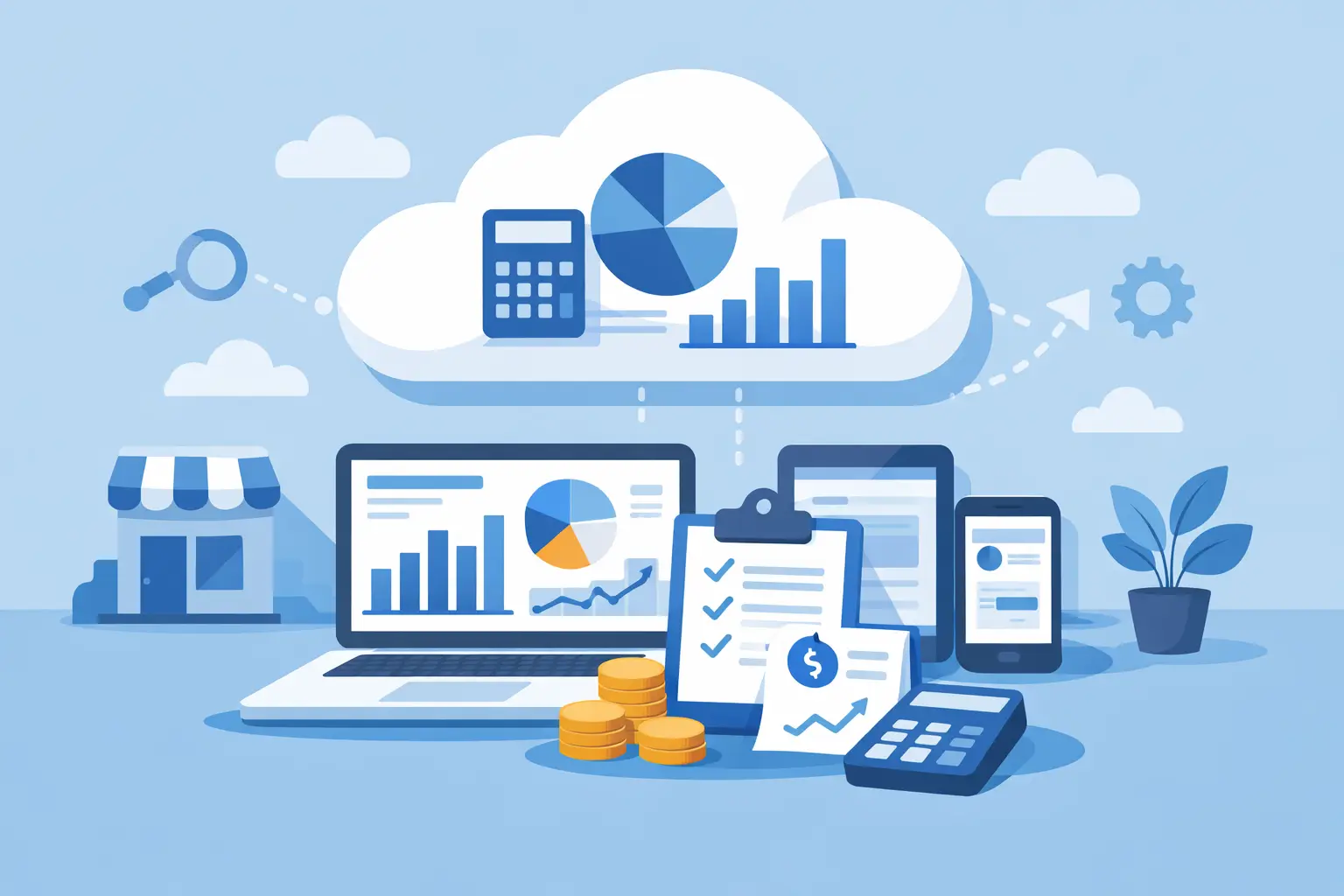
At its most basic, bookkeeping software helps you record money coming in and money going out. Cloud-based software does that online, so you can log in from your laptop, tablet, or phone instead of being tied to one computer.
For many sole proprietors and independent contractors, that is enough to make life easier. You can check your numbers between jobs, enter an expense after filling up the tank, or review unpaid invoices from home without carrying around folders or spreadsheets.
The cloud part also helps with consistency. When your records are stored online, you are less likely to lose track of files or end up with different versions of the same spreadsheet. That can be a relief for anyone who has ever named a file something like Final-Books-Updated-2-Actually-Final.
Why simple matters more than flashy
A common mistake is assuming the best software is the one with the longest feature list. For a very small service business, that is often not true. If you are a freelancer, cleaner, handyman, rideshare driver, or consultant, you may not need payroll modules, inventory tools, or a complicated chart of accounts.
What you probably need is a clear place to enter income, expenses, sales tax or input tax, money owed to you, money you owe, and transfers between accounts. You need to know where your money went and whether your records are up to date.
Software that tries to do everything can slow you down. It can also make beginners feel like they are constantly one wrong click away from making a mess. That is why many small operators do better with a simpler single-entry approach rather than a full accounting system designed for larger companies.
There is a trade-off, of course. Simpler software may not fit businesses with staff, complicated reporting needs, or advanced accounting requirements. But for many one-person and very small businesses, less complexity is a benefit, not a limitation.
Features worth looking for in cloud bookkeeping software
The best setup depends on how you work, but a few basics tend to matter for almost everyone.
First, income and expense tracking should be easy to understand. You should not need formal bookkeeping training to record a payment from a client or an expense for supplies.
Second, the software should help you stay organized around tax time. That does not mean it should replace your accountant. It means your records should be clear enough that you can hand them over without panic.
Third, look for receivables and payables if you invoice clients or need to track bills. A real estate agent may need to see which commission payments are still outstanding. A landlord may want a quick view of rent received versus repairs still unpaid.
Fourth, account transfers matter more than people think. If you move money from one account to another, you want to record it correctly so it does not look like extra income or a duplicate expense.
Finally, consider whether the software connects with other tools you already use. Integrations can save time, especially if you use apps for payments, scheduling, forms, or customer management. That said, not everyone needs a long list of integrations. If the software is simple enough to use consistently, that alone may be the bigger win.
Who benefits most from a cloud-based system
Cloud bookkeeping software is especially helpful for people who are always moving. Truck drivers, rideshare drivers, contractors, and realtors do not spend all day at a desk. Being able to check records from anywhere is practical, not just convenient.
It is also a good fit for business owners who do their own books but do not want to learn accounting language. Many people are perfectly capable of managing their money, but they freeze when software starts speaking in terms they do not recognize. Plain-English bookkeeping tools lower that barrier.
Landlords and independent professionals often benefit too, especially if they want a straightforward record of rent, fees, repairs, subscriptions, advertising, office costs, and other common business expenses. When everything is in one place, it becomes much easier to spot missing entries and stay caught up.
Signs your current method is not working
Sometimes the issue is not whether you have bookkeeping software. It is whether you are actually using it.
If you only update your books every few months, if you rely on memory to explain expenses, or if tax season always feels like a scramble, your system may be too complicated. The same is true if you keep avoiding the software because it feels confusing.
Another red flag is mixing business and personal spending without a clear process. That happens all the time with sole proprietors. While software will not fix every bad habit on its own, it can make it much easier to separate transactions and keep cleaner records going forward.
How to choose without overthinking it
Start with your real day-to-day needs, not someone else’s wishlist. Ask yourself how many transactions you have, whether you send invoices, whether you track sales tax, and whether you need something you can learn quickly.
If your business is simple, your software should be simple too. A freelance designer does not need the same setup as a larger company. A handyman with basic monthly expenses and customer payments may need clarity more than customization.
It also helps to think about your own habits. If you are not naturally detail-oriented, choose software that feels approachable right away. If setup looks overwhelming, there is a good chance you will postpone it and end up back in spreadsheets or shoebox bookkeeping.
Support matters here too. Beginners often need a little help getting started or figuring out how to record a common transaction. Friendly support can make the difference between sticking with a system and giving up on it.
A realistic way to get started
Do not wait until your books are a complete mess. Start with this month. Enter your income, record your regular expenses, and get used to checking your records once or twice a week.
That routine is usually more valuable than finding the perfect app. Consistent bookkeeping gives you a better picture of your cash flow and makes it easier to answer basic questions like whether a customer has paid you or how much you spent on fuel last month.
If you are unsure how to categorize something, make a note and ask an accountant or tax professional when needed. You do not have to know every rule to keep useful records. You just need a system that helps you stay organized and makes your information easier to review.
For very small businesses, that is where a simpler platform can stand out. Pro Ledger Online, for example, is built around the idea that bookkeeping should feel manageable for non-accountants, not like a test you forgot to study for.
When cloud bookkeeping software is the right move
If your business is small, service-based, and mostly run by you, cloud bookkeeping software for small business can be a practical upgrade from spreadsheets, paper records, or software that feels too advanced. The right tool helps you keep up, not catch up.
You do not need bookkeeping to become your new hobby. You just need a system simple enough to use when you are busy, tired, and trying to keep the business moving. When that system fits the way you actually work, staying organized starts to feel possible.