Manual data entry usually starts small. A realtor copies lead details from a form into a spreadsheet. A truck driver saves emailed receipts and plans to enter them later. A freelancer checks three apps to confirm whether a client paid. Then a busy week hits, and bookkeeping falls behind. That is why many small business owners start looking for bookkeeping software with Zapier integration – not because they want more tech, but because they want fewer repeated tasks.
If you run a very small business, the real question is not which app has the longest feature list. It is which one helps you stay organized without making bookkeeping feel like a second job. Zapier can help by passing information between the tools you already use. Your bookkeeping software still needs to be simple on its own, but the right integration can cut down on duplicate entry and help you keep records current.
What Zapier actually helps with
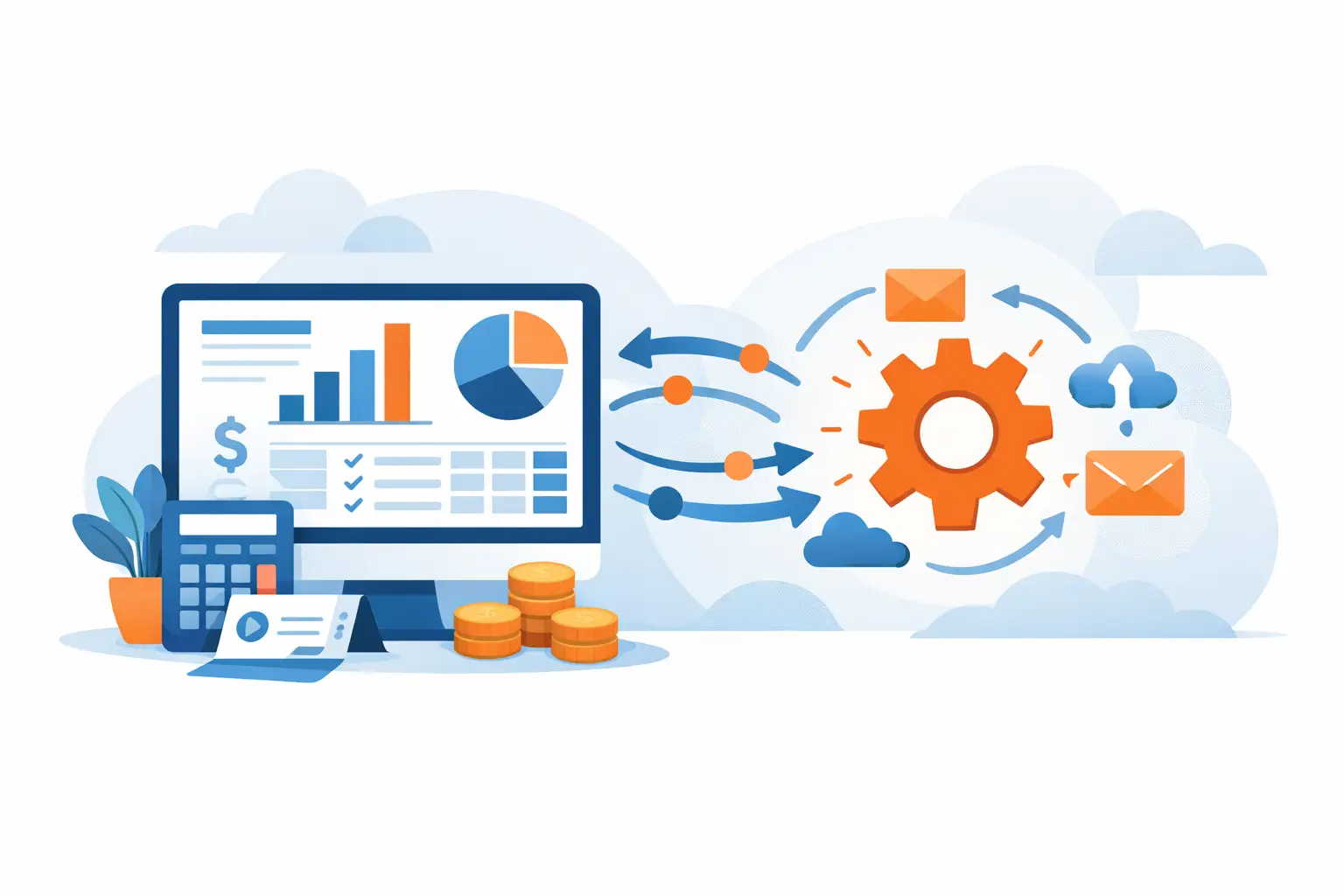
Zapier connects apps so one action can trigger another. In plain English, it lets your software talk to each other without you copying the same information over and over.
For a landlord, that might mean a rent payment notification creates a bookkeeping entry. For a consultant, a paid invoice in one app might be logged as income in the bookkeeping system. For a cleaner or handyman, a new job in a scheduling app could push customer details into another tool so records stay consistent.
That does not mean every task should be automated. Some transactions still need a quick human check, especially if sales tax, shared expenses, or personal spending are involved. But for repetitive tasks, Zapier can save real time.
What to look for in bookkeeping software with Zapier integration
The best bookkeeping software with Zapier integration is not always the one with the most settings. For sole proprietors and independent contractors, simpler is often better.
Start with the basics. You need a system that makes it easy to record income, track expenses, see who owes you money, and understand where your cash is going. If the bookkeeping screen feels confusing before you even add Zapier, automation will not fix that.
It also helps to look at how the software handles everyday bookkeeping language. Many small business owners do not want to sort through accounting terms they barely use. Clear labels, simple workflows, and an easy dashboard matter more than fancy reports if your main goal is staying up to date.
A good fit should also let you stay in control. Zapier is useful when you can decide what gets sent, when it gets sent, and where it lands. If the setup is too technical or the automation creates messy records that are hard to review, it can cause more frustration than it saves.
When Zapier integration makes the biggest difference
Some businesses get more value from automation than others. If you only have a few transactions a month, manual entry may still be manageable. But if information is already moving through several apps, Zapier can remove a lot of friction.
A rideshare driver, for example, might use one tool for mileage, another for payments, and email for receipts. A real estate agent may juggle forms, deposits, and client communication across several platforms. A freelance designer may get leads from a website form, send invoices through one app, and track expenses elsewhere. In each case, the issue is not just bookkeeping. It is the constant switching between systems.
This is where bookkeeping software with Zapier integration can help most. It creates a cleaner path from the apps you already rely on to the place where your records live.
Common workflows that are worth automating
The most useful automations are usually boring. That is a good thing. Boring, repeatable tasks are exactly what should happen in the background.
A new payment received can be sent into your bookkeeping records. A submitted expense form can create an expense entry. A new customer from a booking or contact app can be added so you do not retype the same details later. If you send invoices from another system, Zapier may help keep your records aligned when those invoices are paid.
Still, not every workflow is a smart one to automate. If a transaction needs a judgment call, such as splitting a mixed personal and business expense, you are better off reviewing it yourself. Automation works best when the rule is simple and consistent.
The trade-off: more speed, but setup still matters
There is a reason some people try automation and give up. The setup takes thought.
You need to know what should happen first, what information needs to transfer, and how the entry should appear in your books. If you rush that part, you can end up with duplicate entries or records that do not make sense later.
That is why simple bookkeeping software matters so much. If the bookkeeping side is easy to understand, setting up a Zapier connection becomes less intimidating. You are not trying to decode a complicated accounting system and an automation tool at the same time.
For many very small businesses, the sweet spot is simple bookkeeping plus a few carefully chosen automations. Not twenty. Maybe two or three. Enough to save time, not enough to create confusion.
How to choose the right fit for your business
Before picking a tool, think about where your bookkeeping gets stuck now. Are you forgetting to enter income? Losing track of receipts? Re-entering customer details? Waiting too long to update your records?
Once you know the bottleneck, you can judge whether Zapier will actually help. If your biggest problem is avoiding bookkeeping because the software feels overwhelming, then ease of use should come first. If your records are mostly fine but scattered across apps, integration becomes more important.
This is also where your business type matters. A landlord may care most about tracking rent and property expenses clearly. A truck driver may want a better handle on fuel, repairs, and receipts. A freelancer may need something that keeps income and unpaid invoices easy to follow. The right system should support those daily needs without burying you in features built for bigger companies.
Some small business owners find that a streamlined platform like Pro Ledger Online works well because it focuses on practical bookkeeping tasks and keeps the learning curve low, while still allowing automation through Zapier.
A simple way to test bookkeeping software with Zapier integration
Do not start by automating everything. Test one small workflow first.
Pick a task you repeat often and understand well. For example, when a customer payment comes in, have that trigger a bookkeeping entry. Run a few test transactions and check the results carefully. Make sure the amount, date, customer name, and category appear the way you expect.
Then ask a practical question: did this actually make your week easier? If yes, keep it. If not, adjust it or drop it. Automation should reduce work you dislike, not create a new system you have to babysit.
It also helps to review automated entries regularly, especially early on. Even a good workflow can need a few tweaks. A monthly check is usually enough for many sole proprietors, though higher transaction businesses may want to review more often.
Keep expectations realistic
Zapier is helpful, but it is not magic. It will not clean up years of disorganized records by itself. It will not decide how to classify every unusual expense. And it will not replace advice from an accountant if you are unsure how to handle taxes, sales tax, or special situations.
What it can do is remove some of the repetitive busywork that causes bookkeeping to pile up. That is often the real win. When your system is easier to keep current, you are more likely to stay consistent, spot problems sooner, and feel less stressed at tax time.
For a lot of small business owners, that is enough. They do not need a giant accounting platform with features they will never touch. They need something clear, affordable, and easy to maintain, with a little automation where it counts.
If you are looking at bookkeeping software with Zapier integration, keep your standards simple: it should be easy to use, easy to trust, and easy to keep up with. If a tool helps you spend less time chasing numbers and more time running your business, that is usually the right direction.